


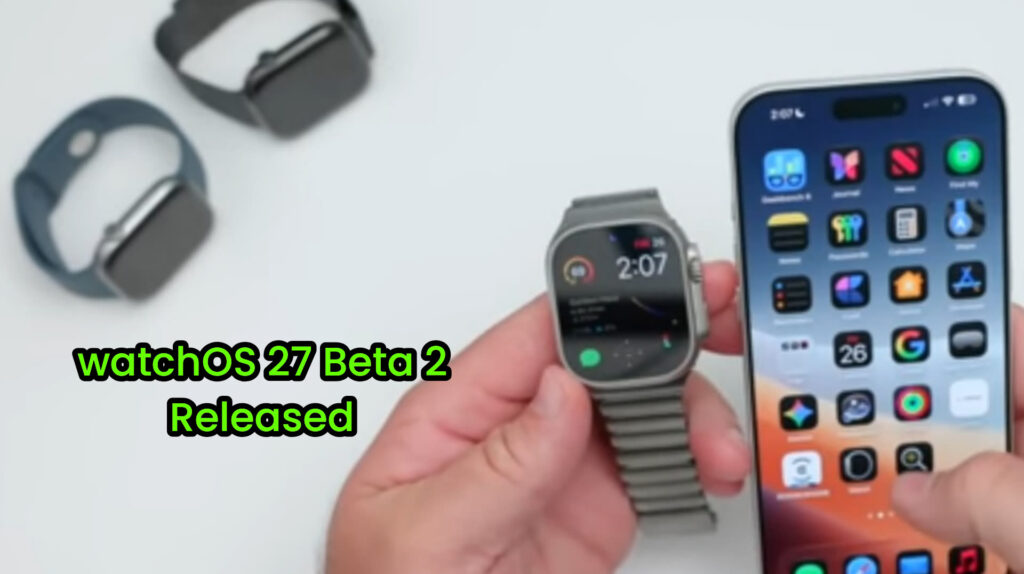
Apple has officially released watchOS 27 Beta 2, bringing several small but useful improvements for Apple Watch users. While this update doesn’t introduce major new features, it improves system stability, enhances usability, and fixes several issues found in the previous beta.
The update also lays the foundation for future additions, including the expected Siri AI integration and new watch faces that may arrive in upcoming beta releases.
Release Details
watchOS 27 Beta 2 is available for all supported Apple Watch models. The Apple Watch Ultra 3 received the update one day later than the other models and uses a separate build number, 24R5305K. The update size for the Ultra 3 is approximately 1.2GB.
Although file sizes vary slightly between devices, Apple says the core improvements remain the same across all supported models.
How to Install watchOS 27 Beta 2
Installing the update is simple, but a few steps can make the process smoother.
Turn off Bluetooth on your iPhone before starting the update so your Apple Watch uses Wi-Fi, which usually speeds up the download.
Before installing, make sure your Apple Watch has at least 50% battery, is connected to its charger, and stays connected throughout the installation.
Keep in mind that beta software may contain bugs. If you experience serious problems, restoring your Apple Watch to a previous version requires assistance from an Apple Store.
What’s New in Beta 2?
Apple hasn’t added any major new features in this release, but several small improvements make the software feel more polished.
The Liquid Glass interface has been refined, making text easier to read and improving overall display clarity.
Notification management has also been updated, allowing users to quickly silence or delete notifications with fewer steps.
Apple has made small changes to icons and system contrast, making navigation slightly easier throughout the interface.
One noticeable change is the removal of the Walkie-Talkie feature. While Apple hasn’t explained the reason, it appears to be a permanent change in this beta.
Performance, Battery Life, and Bug Fixes


watchOS 27 Beta 2 delivers better overall performance than the previous beta. Apps launch faster, animations feel smoother, and system stability has improved.
Apple has also fixed several bugs affecting third-party apps and improved synchronization between the Apple Watch and iPhone.
Battery life remains stable during normal daily use, although heavy activities such as long workouts or frequent app switching may still reduce battery performance faster than expected.
Known Issues
Although Beta 2 improves stability, several issues remain.
Some users may still experience inconsistent touch responsiveness, especially while multitasking or switching between apps.
Workout tracking may occasionally fail to record activity correctly, which could affect fitness data.
Apple has also listed multiple known issues involving complications and Siri-related features, showing that the software is still under active development.
watchOS 27 Beta 2 at a Glance
| Feature | Details |
|---|---|
| Release | watchOS 27 Beta 2 |
| Supported Devices | Most supported Apple Watch models |
| Apple Watch Ultra 3 | Separate build released one day later |
| Build Number (Ultra 3) | 24R5305K |
| Update Size | Around 1.2GB (Ultra 3) |
| Major Changes | Display improvements, notification updates, bug fixes |
| New Features | No major new features |
| Known Issues | Touch response, workout tracking, Siri bugs |
| Upcoming Features | Siri AI integration and new watch faces (Expected) |
watchOS 27 Beta 2 is a relatively small update, but it brings useful improvements to performance, stability, and everyday usability. While it still contains several known bugs, it prepares the Apple Watch for larger updates expected in future beta releases.
If you’re a developer or enjoy testing new software, the beta is worth trying. However, users who rely on their Apple Watch every day may prefer waiting for the public beta or stable release.
ALSO READ;
watchOS 27 Features Explained: New Siri, Health Tools, and Smarter Apple Watch Experience
Apple Watch Ultra 4 Could Bring the Biggest Upgrade Yet